

How Convenient Online Computer Help Works in 2026
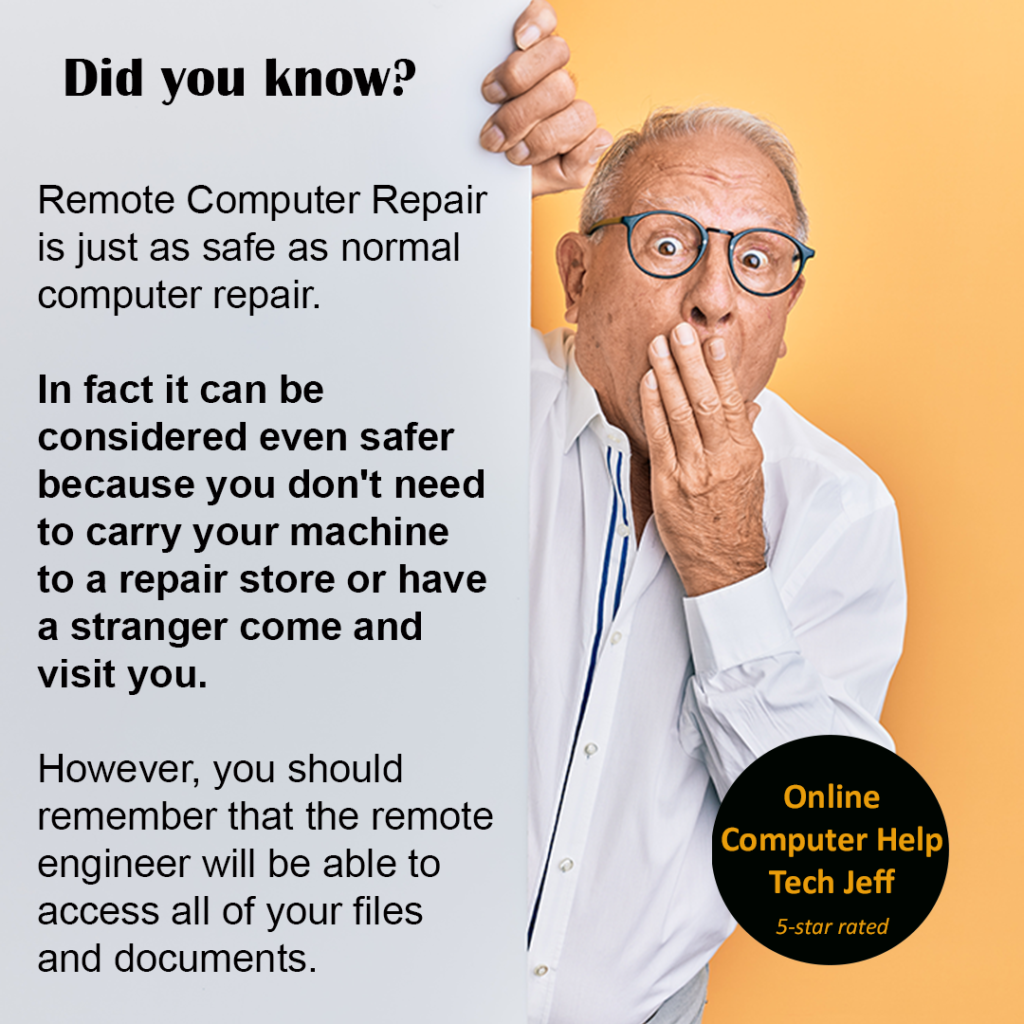
Online computer help typically works in the following way:
1. Contacting a support provider: The first step is to contact a support provider either through their website, email, phone, or chat. Some providers offer free services, while others charge a fee.
2. Describing the problem: Once you have contacted the provider, you will be asked to describe the problem you are facing with your computer. It is important to provide as much detail as possible so that the support provider can diagnose the issue accurately.
3. Remote access: In some cases, the support provider may ask for remote access to your computer. This allows them to see the problem directly on your computer and provide more accurate and effective support. You will need to download and install software that enables the provider to remotely access your computer.
How Convenient Online Computer Help Works
4. Troubleshooting: The support provider will then begin troubleshooting the problem. This may involve running diagnostic tests, checking system settings, and searching for solutions online.
5. Fixing the problem: Once the problem has been diagnosed, the support provider will attempt to fix it. This may involve installing software updates, adjusting settings, or making repairs to hardware.
6. Follow-up and feedback: After the problem has been resolved, the support provider may follow up with you to ensure that everything is working correctly. They may also ask for feedback on their service to help improve their support in the future.
Overall, online computer help is a convenient and effective way to get your computer problems solved quickly and efficiently.
How Convenient Online Computer Help Works
That Tech Jeff can help you with your computer no matter where you live! Get online computer help or computer tutoring no matter where you live. Just read the more than 1500 five-star reviews. (thumbtack and google combined)
That Tech Jeff has 26 year’s experience and has offered computer help online since 2007.
Before you head to Geek Squad get That Tech Jeff’s advice. Its free.
Affordable and honest FLAT RATE online help – no hourly charge.
You pay just one price if your problems are fixed and nothing if not.
How Convenient Online Computer Help Works
Two Neat Tricks I Just Found Out About
I’m Absolutely Delighted I Just Found Out About These Two [...]
Twelve things Microsoft should know about Windows 10 (that Windows users won’t tell them)
Twelve things Microsoft should know about Windows 10 (that Windows [...]
Two factor authentication 2022-Don’t get locked out
Two factor authentication-Avoid getting locked out of your own accounts [...]
Windows 10 very slow and unresponsive 2023
Windows 10 can become very slow or become unresponsive altogether after an update. This can also happen if you have installed a 3rd party anti virus which is not recommended.
Jeff is the bomb! Best Computer Help Ever 2022
Jeff is the BOMB !! Very professional, great work ethic, goes above & beyond and makes you feel important and treats you fairly.
Funny computer video-The Expert: IT Support (Short Comedy Sketch) 2022
Square Project Ep2. A funny video about a phone call to IT Support. Another day in the life of Anderson, an engineer trying to fit into the corporate world and his cubicle. Subscribe for more short comedy sketches & films: http://bit.ly/laurisb Check out the other episodes of The Expert: Square Project!
💡 DIY Computer Fixes?
Grab my easy step-by-step guide and keep your computer running like new.