

💡 DIY Computer Fixes?
Grab my easy step-by-step guide and keep your computer running like new.
How often should you upgrade your computer?
Well, it depends on how you use it.
If you’re a heavy user and rely on your computer for work or gaming, then you might need to upgrade every two to three years. However, if you only use your computer for basic tasks like browsing the internet, then you can go up to five years without upgrading.
Another factor to consider is technology advancements, as new software and hardware require more powerful machines to run smoothly.
So, if you notice that your computer is struggling to keep up with the latest updates or programs, then it’s time to start thinking about an upgrade.
Budget considerations are also important since buying a new computer can be quite expensive. You don’t want to break the bank every time you need to upgrade your machine. A good rule of thumb is to save at least $500-$1000 for a mid-range or high-end computer that will last you for several years.
In summary, determine how often you should upgrade based on your usage patterns, technology advancements, and budget considerations.
Remember, a well-maintained computer can last for many years, but sometimes an upgrade is necessary to keep up with the demands of modern technology.


That Tech Jeff can help you with your computer no matter where you live! Get online computer help or computer tutoring no matter where you live. Just read the more than 900 five-star reviews. (thumbtack and google combined)
That Tech Jeff has 26 years experience and has offered computer help online since 2007. Before you head to Geek Squad get That Tech Jeff’s advice. Its free.
Affordable and honest FLAT RATE online help – no hourly charge.
You pay just one price if your problems are fixed and nothing if not.
WiFi Not Working After Updating Windows 10 FIX [2022]
WiFi Not Working After Updating Windows 10 FIX [2022] [...]
Epson boobytrapped its Epson printers “For your protection.”
Here’s a good one! Epson will brick your Epson printer after you’ve run a certain number of pages, “for your own good.”
Weird Computers That Were Designed to Be Otherworldly 2022
Weird Computers That Were Designed to Be Otherworldly [...]
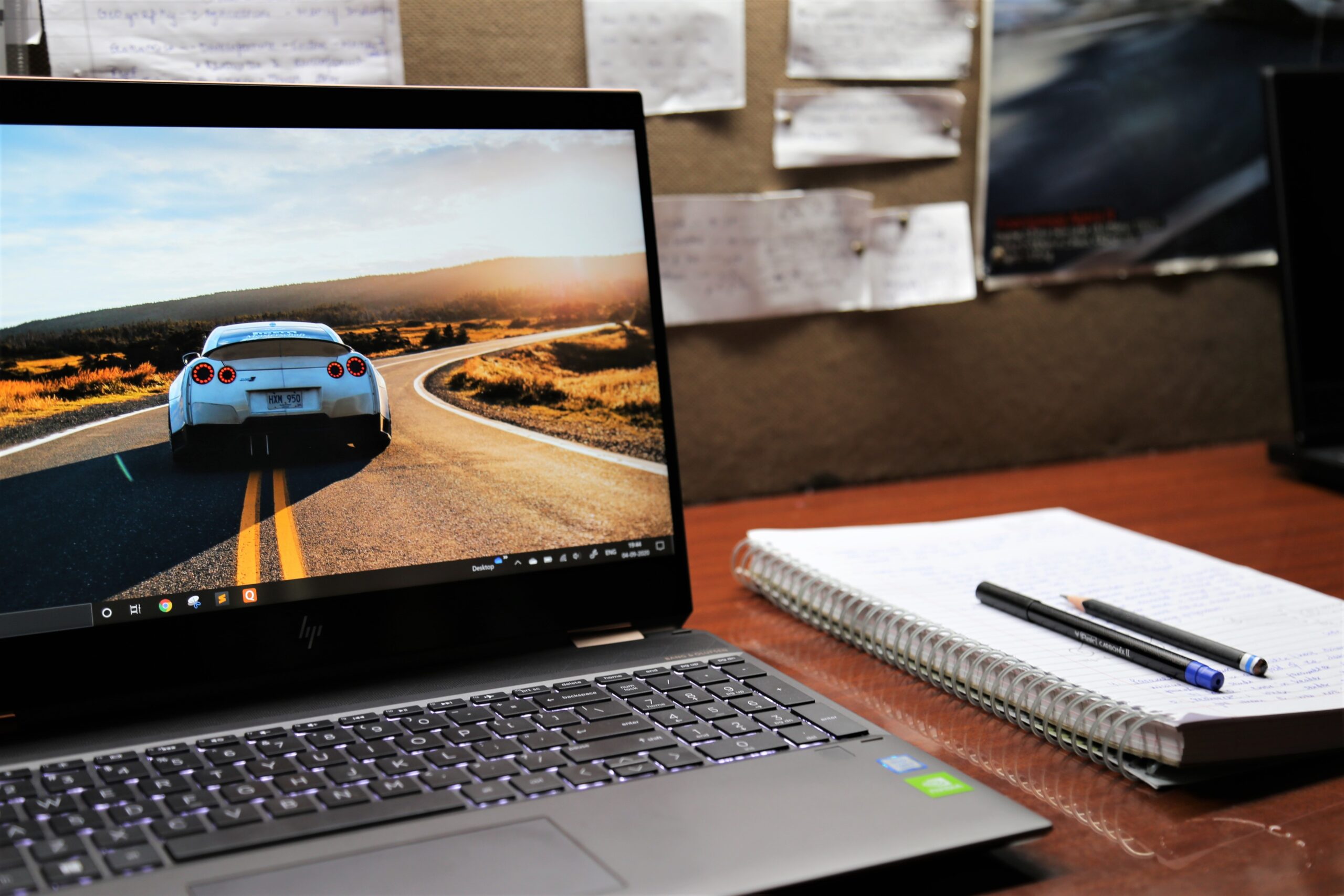
How to Transfer Files From Old Computer to New (Cost, Options & $69.99 Service)
Before you go to Geek Squad, where you will pay over $100 for this same service, read Tech Jeff's reviews, and get it done the easy way - at home via online computer repair Tech Jeff. You will be very glad you did.
Breaking News:Unusually Fantastic Online Computer Help 2023
Unusually Fantastic That Tech Jeff can help you [...]
Two Neat Tricks I Just Found Out About
I’m Absolutely Delighted I Just Found Out About These Two [...]
