How to Describe a Computer Problem in Plain English
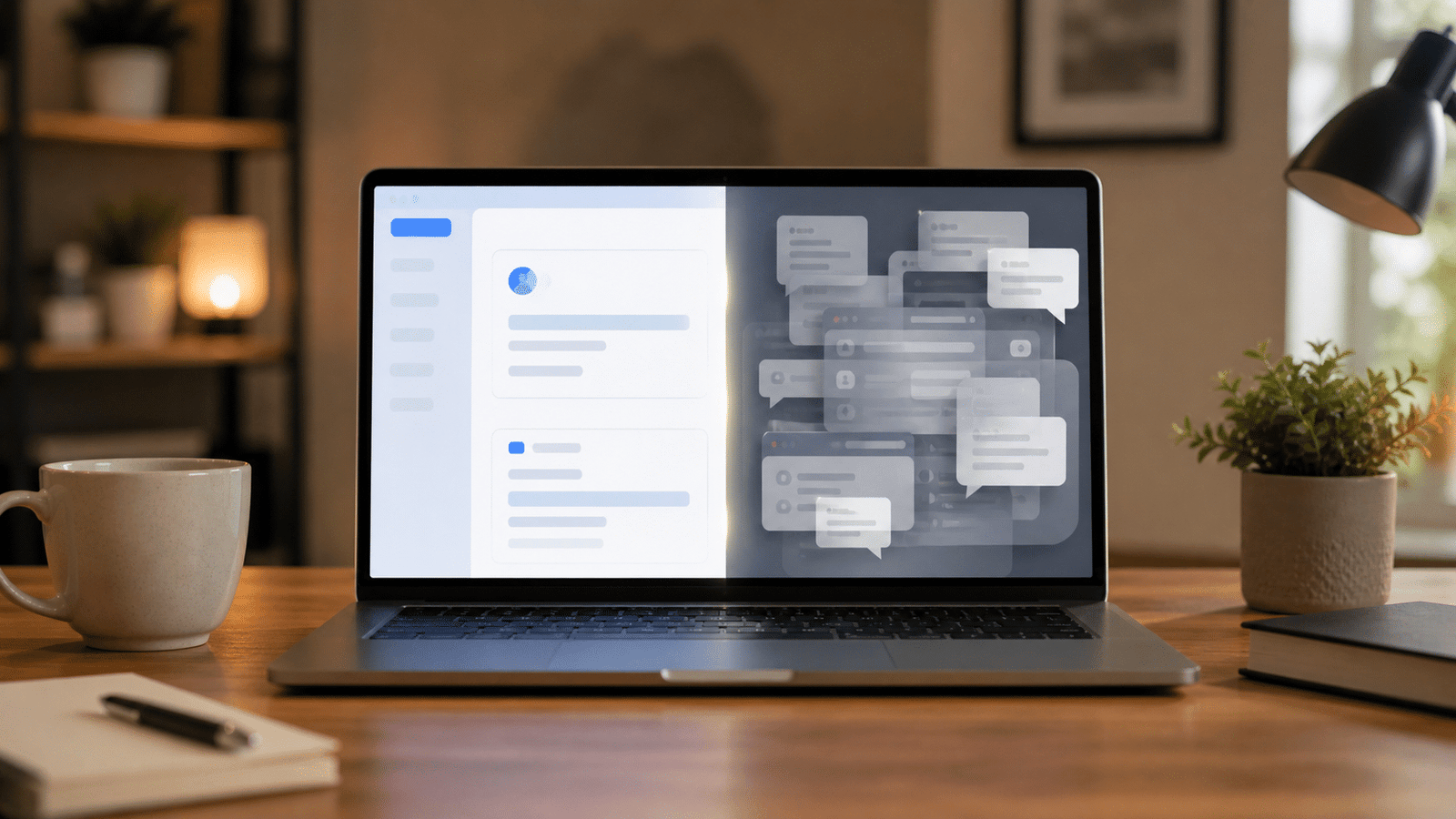
The easiest way to describe a computer problem is to start with what you were trying to do. “I tried to print my boarding pass, and the printer said [...]
The easiest way to describe a computer problem is to start with what you were trying to do. “I tried to print my boarding pass, and the printer said [...]
Moving from Classic Outlook to New Outlook can be confusing when your email appears normally but your contacts or calendar appointments do not. Although New Outlook can add many [...]
AI computer help can be useful—but sometimes the instructions don’t match the real problem. Lately, I’ve been seeing something more and more. People are trying to fix their own [...]
Email Not Sending or Receiving? Here’s What to Do and How to Fix It If your email is not sending or receiving, it can be a frustrating experience, especially [...]
If the idea of letting someone access your computer makes your stomach tighten a little, you’re not being paranoid — you’re being cautious. In 2026, online scams are [...]
Top 5 Windows 11 Tips for 2026 Keep Your PC Running Smoothly, Securely & Faster Than Ever Windows 11 continues to evolve, and 2026 has brought some fantastic improvements—along [...]
2026 Guide to Easy PC Backups Keeping your data safe has never been more important. Whether it's precious family photos, critical work documents, or your entire music collection, [...]
Windows 11 Tip Every Senior Should Know: How to Make Text Bigger (Without Blurring Anything!) If you’re like many of my customers, you may find that your Windows 11 [...]
7 Life-Changing Dyslexia-Friendly Windows Tips for Windows 10 and 11 Many of my customers live with dyslexia, and they’ve told me something I never forget: words on a screen [...]
7 Powerful Ways to Finally Understand Where Your Files Are Saved If you’ve ever saved a file and later thought, “Where in the world did it go?”, you’re not [...]