

💡 DIY Computer Fixes?
Grab my easy step-by-step guide and keep your computer running like new.
How Convenient Online Computer Help Works in 2023
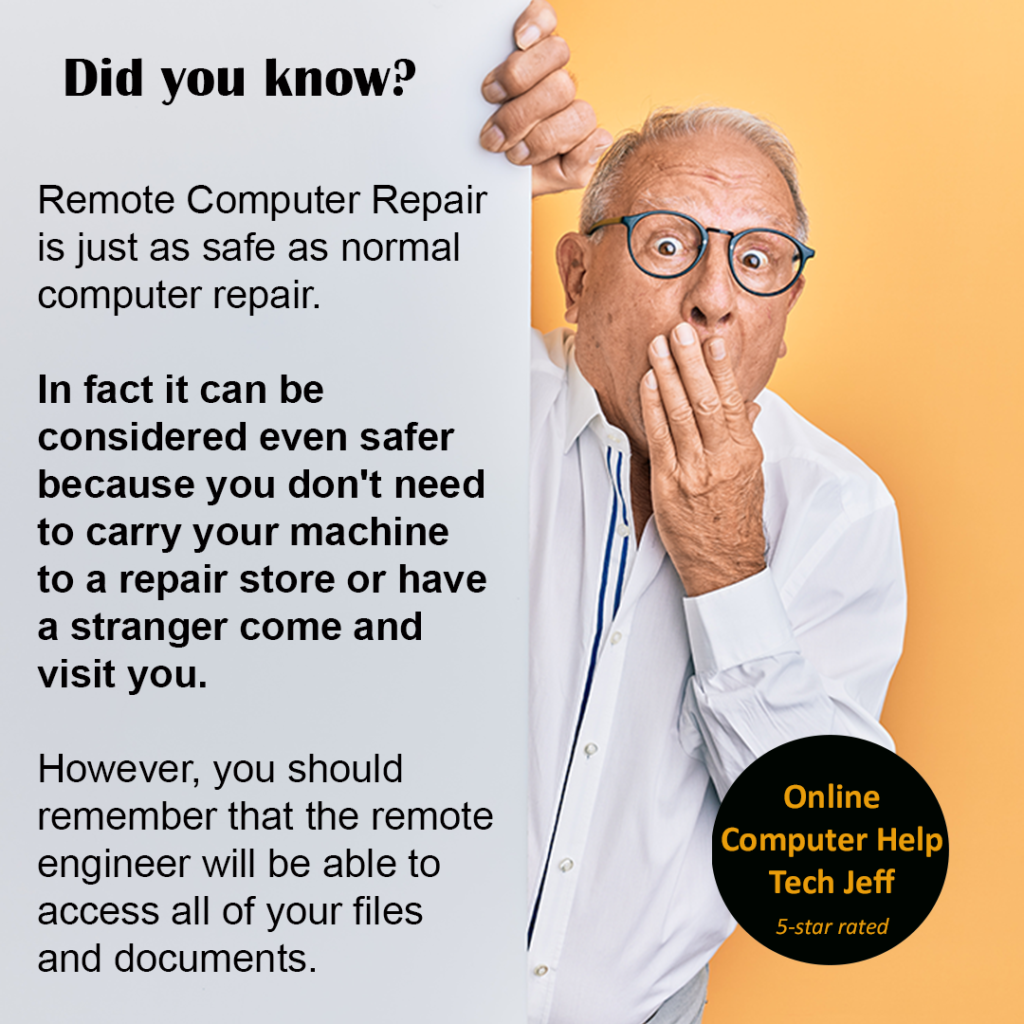
Online computer help typically works in the following way:
1. Contacting a support provider: The first step is to contact a support provider either through their website, email, phone, or chat. Some providers offer free services, while others charge a fee.
2. Describing the problem: Once you have contacted the provider, you will be asked to describe the problem you are facing with your computer. It is important to provide as much detail as possible so that the support provider can diagnose the issue accurately.
3. Remote access: In some cases, the support provider may ask for remote access to your computer. This allows them to see the problem directly on your computer and provide more accurate and effective support. You will need to download and install software that enables the provider to remotely access your computer.
How Convenient Online Computer Help Works
4. Troubleshooting: The support provider will then begin troubleshooting the problem. This may involve running diagnostic tests, checking system settings, and searching for solutions online.
5. Fixing the problem: Once the problem has been diagnosed, the support provider will attempt to fix it. This may involve installing software updates, adjusting settings, or making repairs to hardware.
6. Follow-up and feedback: After the problem has been resolved, the support provider may follow up with you to ensure that everything is working correctly. They may also ask for feedback on their service to help improve their support in the future.
Overall, online computer help is a convenient and effective way to get your computer problems solved quickly and efficiently.
How Convenient Online Computer Help Works
That Tech Jeff can help you with your computer no matter where you live! Get online computer help or computer tutoring no matter where you live. Just read the more than 900 five-star reviews. (thumbtack and google combined)
That Tech Jeff has 26 years experience and has offered computer help online since 2007.
Before you head to Geek Squad get That Tech Jeff’s advice. Its free.
Affordable and honest FLAT RATE online help – no hourly charge.
You pay just one price if your problems are fixed and nothing if not.
How Convenient Online Computer Help Works
Great Tip:When you need computer help in 2023
When You Need Computer Help [...]
Best Tech Support For Seniors 2026
Computer help for Seniors is a specialty that not [...]
How to merge multiple Word documents in a single file 2022. Great Instructions
Merge Multiple Word Documents That [...]
How to Resize Multiple Images on Windows 10. A Great Tip
Resize Multiple Images In Windows 10 How do I [...]
How to add folder shortcuts in Windows Explorer Easily 2022-A Great Helpful Tip
Folder Shortcuts That Tech Jeff can [...]
How to Hide or Disable “Meet Now” on Windows 10. Great Tip
Meet Now How To Hide or Disable Windows "Meet now" [...]
