

Do I Need a New Computer? 9 Signs It’s Time
If your computer has become frustratingly slow, freezes unexpectedly, or takes forever to start, you may be wondering whether it’s finally time to replace it.
The truth is, many computers that people think need replacing can actually be repaired or upgraded for a fraction of the cost of buying a new one. On the other hand, some computers really have reached the end of their useful life, and continuing to repair them simply doesn’t make financial sense.
As someone who’s been helping people with computer problems remotely since 2007, I’ve seen both situations thousands of times.
Before you spend hundreds—or even thousands—of dollars on a new computer, here’s how to tell whether it’s time for a replacement or whether your current computer still has plenty of life left.
9 Signs You Really Do Need a New Computer
1. Your Computer Has Major Hardware Failure
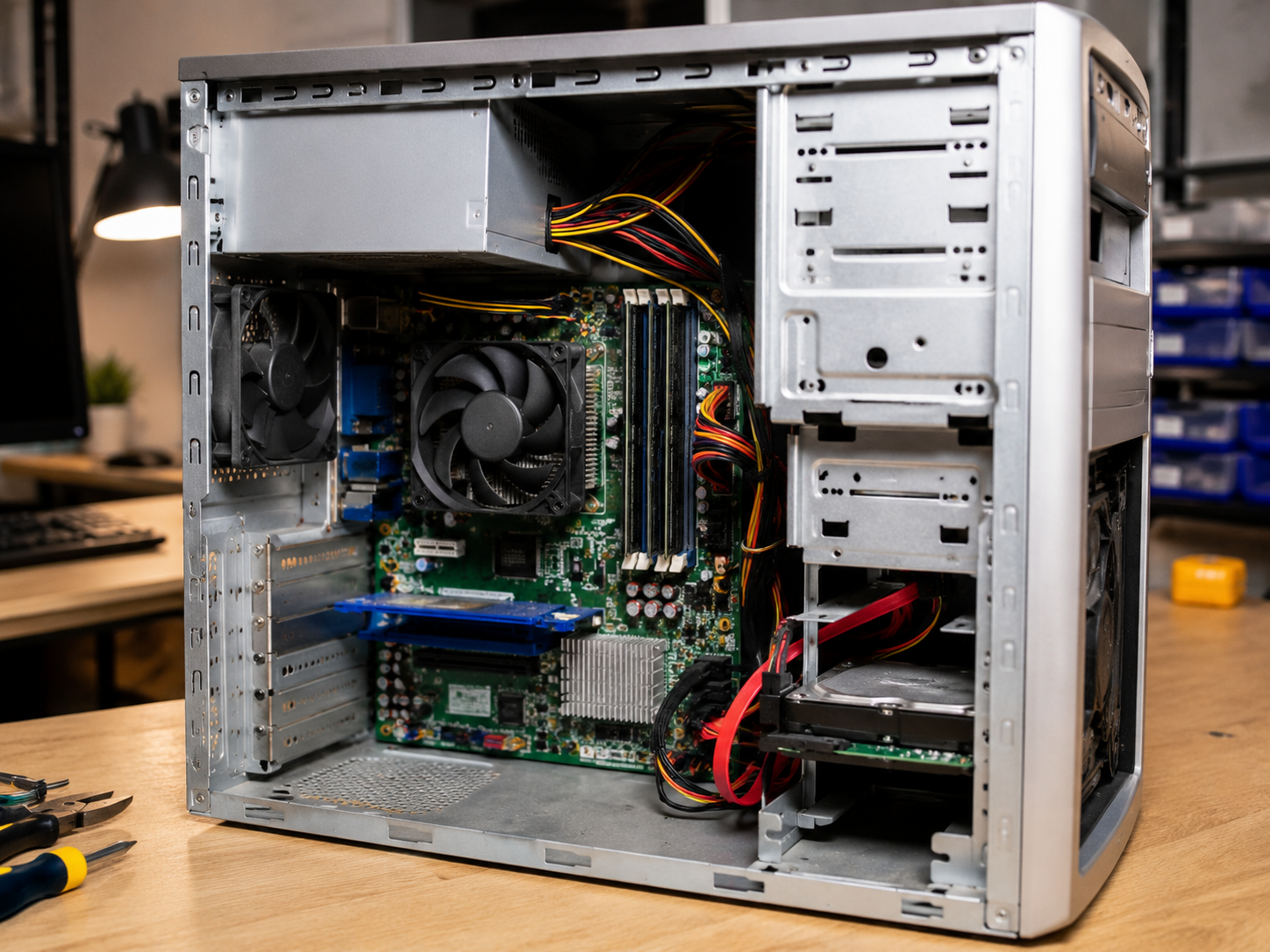
A failing motherboard, processor, or graphics chip is often the point where replacement becomes the smarter investment.
Symptoms may include:
- Random shutdowns
- Failure to power on
- Blue screens that continue after repairs
- Frequent hardware errors
- Burning smells or overheating
Replacing major internal components can quickly become more expensive than buying a newer system.
2. The Repair Costs More Than the Computer Is Worth
This is one of the easiest decisions.
For example:
- $450 repair on a computer worth $200?
- Replace it.
- $90 repair on a computer worth $600?
- Repair it.
Always compare the repair cost with the current value and expected remaining lifespan of the computer.
3. Your Computer Can’t Meet Your Needs Anymore
Technology changes.
If you regularly:
- Edit videos
- Create large photo projects
- Play newer games
- Run multiple business applications
- Work with AI software
…your older computer may simply lack the performance required.
4. It Isn’t Compatible with Windows 11—and Upgrading Doesn’t Make Sense
Not every Windows 10 computer needs to be replaced.
However, if your PC:
- Uses very old hardware
- Has limited memory
- Doesn’t support Windows 11
- Needs expensive upgrades just to qualify
…it may be time to move on.
5. Replacement Parts Are No Longer Available
Older laptops especially can become difficult to repair because parts simply aren’t manufactured anymore.
Examples include:
- Hinges
- Display panels
- Motherboards
- Charging ports
- Batteries
When replacement parts become scarce, repair costs rise quickly.
6. You’re Constantly Paying for Repairs
One repair every few years is normal.
Three or four repairs within a year usually indicate the computer is nearing the end of its life.
Eventually, replacing the computer becomes less expensive than continuing to fix it.
7. The Hard Drive Is Failing
Warning signs include:
- Clicking noises
- SMART warnings
- Files disappearing
- Extremely slow performance
- Windows reporting drive errors
A failing drive can often be replaced, but if it’s combined with other aging hardware, replacement may be the better choice.
8. Your Battery Barely Lasts (Laptops)
If your laptop only runs for 20 or 30 minutes unplugged, the battery may simply need replacing.
However, if the battery, keyboard, display, and charging port are all showing their age, buying a new laptop often makes more sense.
9. You Simply Want Modern Features
Sometimes there’s nothing wrong with your computer.
You simply want:
- A brighter display
- Better battery life
- Faster Wi-Fi
- USB-C ports
- Better webcam
- Fingerprint reader
- AI features
- A lighter laptop
That’s a perfectly valid reason to upgrade.
5 Signs You Probably DON’T Need a New Computer
1. Your Computer Is Just Slow
This is the biggest misconception I see.
Slow doesn’t automatically mean old.
Common causes include:
- Too many startup programs
- Malware
- Browser extensions
- Full storage
- Windows maintenance issues
Many slow computers can be restored to excellent performance without replacing them.
2. It Still Has a Traditional Hard Drive
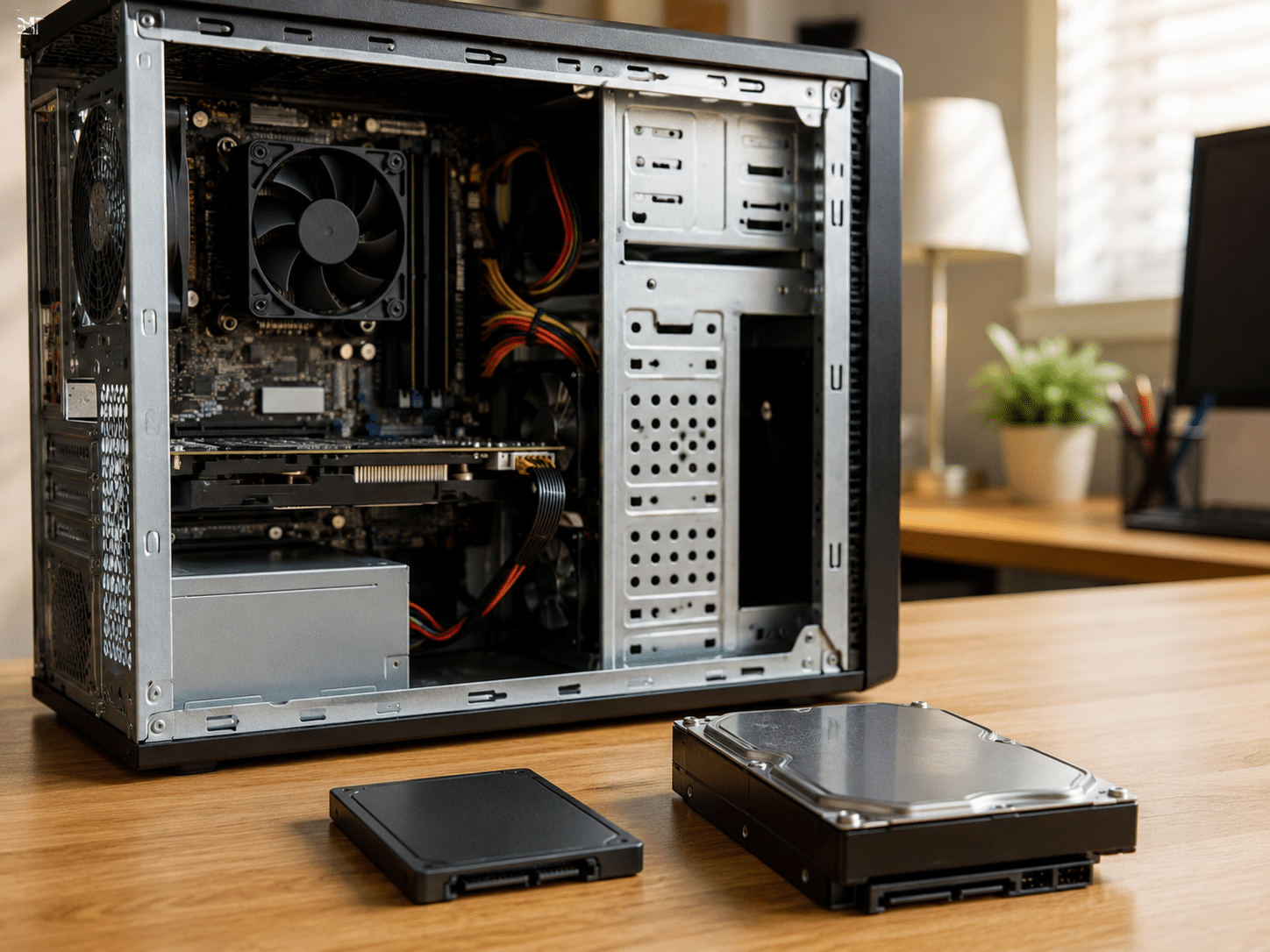
This one surprises people.
Replacing an old mechanical hard drive with a solid-state drive (SSD) can make a computer feel dramatically faster.
For many people, it’s the single biggest performance improvement possible.
3. You Don’t Have Enough Memory (RAM)
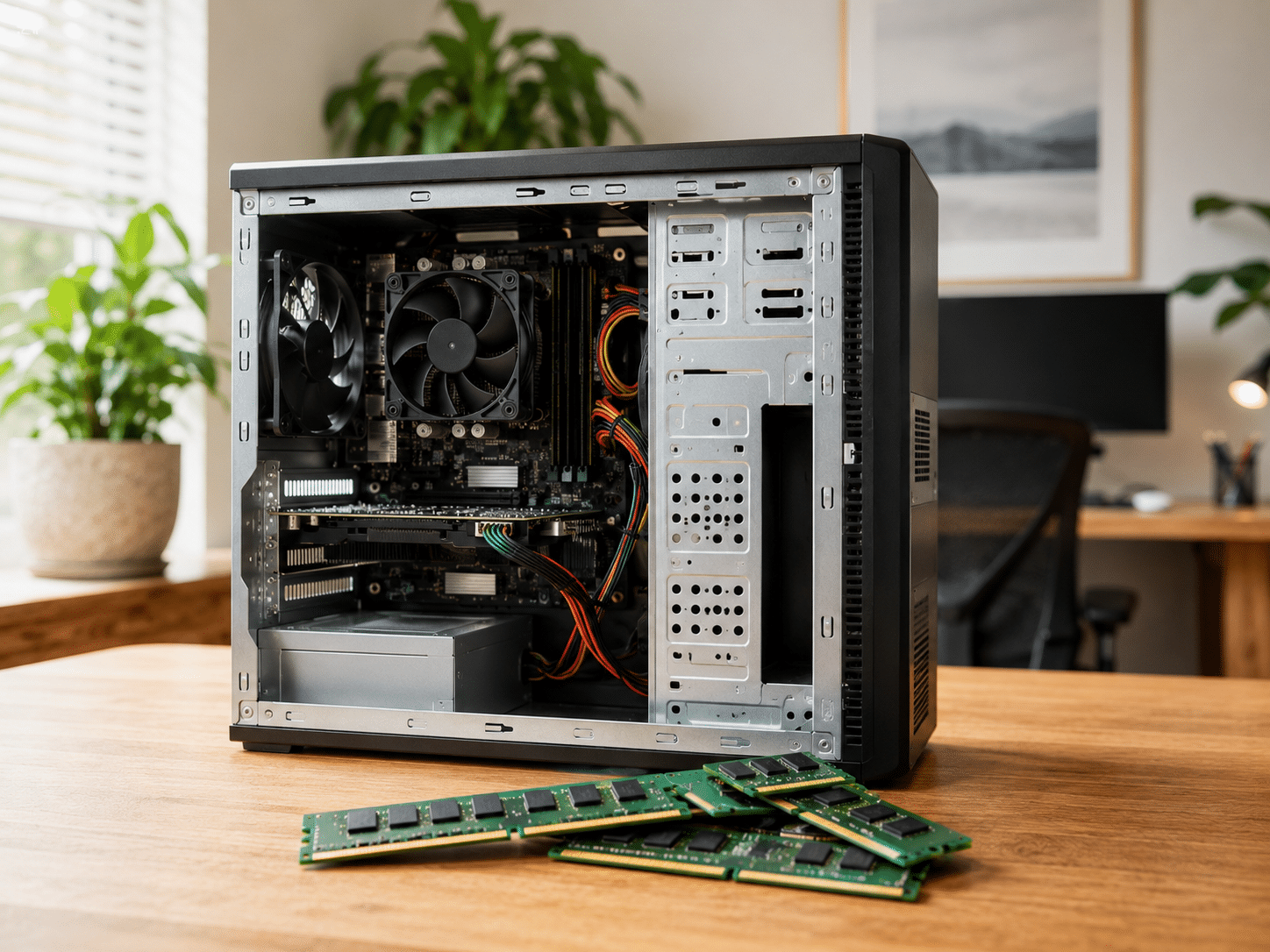
If your computer struggles with multiple browser tabs or applications, adding RAM may solve the problem.
A memory upgrade is often far less expensive than replacing the entire computer.
4. Your Problems Started Suddenly
If your computer worked well last month but suddenly became slow this week, chances are something changed.
Common causes include:
- Malware
- Windows updates
- Driver problems
- Failing software
- Browser issues
Those problems are often repairable.
5. You Mostly Browse the Internet and Check Email
If your daily routine consists of:
- Banking
- Shopping
- YouTube
- Zoom
- Microsoft Office
…you probably don’t need a powerful new computer.
Many computers that are several years old still handle these tasks very well after a proper tune-up.
The Biggest Mistake People Make
Many people assume that because a computer is slow, it’s time to replace it.
That’s often not true.
I’ve helped countless customers avoid spending hundreds of dollars on a new computer when all they really needed was:
- A cleanup
- Malware removal
- An SSD upgrade
- More RAM
- Software repairs
On the other hand, I’ve also told customers not to spend another dollar repairing a computer because replacement was clearly the better financial decision.
My goal is always the same:
Give honest advice based on what’s best for you—not what’s most profitable.
Questions I Ask Before Recommending a Replacement

Before suggesting a new computer, I usually ask:
- How old is your computer?
- Is it a desktop or laptop?
- What do you use it for?
- Does it already have an SSD?
- How much RAM does it have?
- Is it running Windows 10 or Windows 11?
- Has any hardware already been replaced?
Those answers usually make the right decision much clearer.
Not Sure? Let Me Help You Decide.
If you’re wondering whether you really need a new computer, don’t guess.
I can often tell within a few minutes whether your computer is worth repairing, worth upgrading, or whether buying a new one is the smartest investment.
If you do need a new computer, I can also help you choose one that’s right for your needs—without overspending—and transfer your files, email, printer, and settings so everything feels familiar from day one.
And if your current computer still has life left in it, I’ll tell you that too.
That’s how I’ve helped customers across the United States since 2007.
Need honest advice?
Visit ThatTechJeff.com to schedule remote computer help.
Flat-rate pricing. No memberships. No contracts. And if I can’t fix the problem, you don’t pay.
Frequently Asked Questions
How long should a computer last?
Most desktop computers last 6 to 10 years, while laptops typically last 4 to 8 years, depending on how they’re used and maintained.
Is a slow computer always a sign I need a new one?
No. Slow performance is often caused by software issues, insufficient RAM, malware, or an aging hard drive rather than the computer itself.
Can upgrading to an SSD really make a difference?
Yes. Replacing a traditional hard drive with a solid-state drive is one of the most noticeable upgrades you can make and often dramatically improves startup and application loading times.
Is Windows 10 ending support?
Microsoft plans to end standard support for Windows 10, but whether you need a new computer depends on your hardware, upgrade options, and how you use your PC.
Should I repair or replace my computer?
If repairs are inexpensive and the computer still meets your needs, repairing it often makes financial sense. If major hardware is failing or repair costs approach the value of the computer, replacement is usually the better choice.
Still Not Sure?
You don’t have to guess whether it’s time for a new computer.
I’ve helped thousands of people determine whether their computer is worth repairing, worth upgrading, or truly ready for replacement. In many cases, I can save customers hundreds of dollars by extending the life of their current PC. In other cases, I’ll honestly recommend replacing it and help make the transition as painless as possible.
✔ Flat-rate pricing
✔ Nationwide remote service
✔ No memberships
✔ No contracts
✔ No Fix • No Charge
Need honest advice? Visit ThatTechJeff.com to get started.
💡 DIY Computer Fixes?
Grab my easy step-by-step guide and keep your computer running like new.