

Is Remote Computer Help Safe in 2026?
If you’ve been asking yourself is remote computer help safe in today’s world, you’re not alone — it’s one of the most common concerns I hear.
With all the pop-up scams, fake “Microsoft warnings,” and horror stories floating around, it’s completely reasonable to ask:
“Is remote computer help actually safe?”
The short answer is:
👉 Yes — when it’s done the right way.
👉 No — when it’s done the scammer way.
Let me explain the difference, plainly and without the tech jargon.
What Remote Computer Help Actually Means
Remote computer help simply means a technician connects to your computer with your permission, through secure software, so they can see what you see and help fix the problem.
Think of it like:
Letting a mechanic look under the hood
While you’re standing right there
With the keys still in your pocket
At no point should you lose control of your computer.
How Safe Remote Tech Support Works
Legitimate remote help always includes all of the following:
You start the connection
You can watch everything the technician does
You can disconnect instantly
The session ends when the problem is fixed
No hidden software stays behind
If any of those things are missing, that’s a red flag 🚩
How Tech Support Scams Work (This Is Important)
Scammers flip the process upside down.
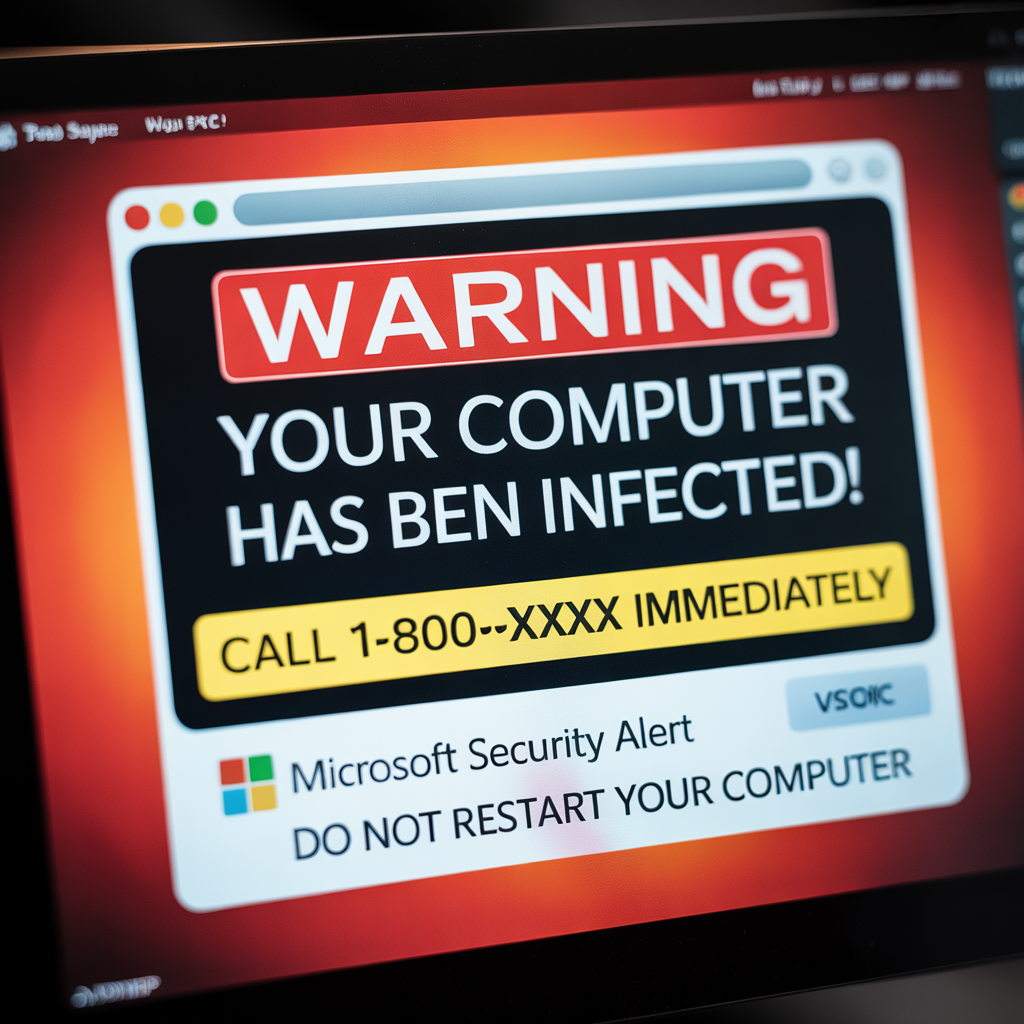
Common warning signs include:
Scary pop-ups claiming your computer is “infected”
Cold calls saying they’re “Microsoft” or “Apple”
Pressure to act right now
Requests for gift cards, wire transfers, or crypto
Demands for long-term access or yearly contracts
If someone contacts you first, that’s almost always a scam.
Legitimate techs don’t chase people.
Scammers do.
✅ Quick Tip: How to Tell If Remote Help Is Safe
You should always be able to end the session yourself — instantly.
If you can’t, stop immediately and disconnect your internet.
Is Remote Computer Help Safer Than In-Home Help?
In many cases, yes.
Here’s why:
You don’t let a stranger into your home
Everything is recorded and visible on your screen
The session can be stopped with one click
No pressure to upsell hardware or services
Remote help also tends to be faster, cheaper, and more transparent.
Why So Many Seniors Prefer Remote Help in 2026
I work with seniors all over the United States, and many tell me the same thing:
“I like being able to see what’s happening and stop it anytime.”
Remote help allows you to:
Stay in your own home
Keep control of your computer
Avoid aggressive sales tactics
Get help without being rushed
That peace of mind matters.
When You Should Not Allow Remote Access
Even legitimate remote help is a no if:
You didn’t request it
You don’t know who you’re dealing with
You feel rushed or uncomfortable
They won’t explain what they’re doing
They ask for payment before explaining the problem
Trust your instincts. They’re usually right.
So, Is Remote Computer Help Safe in 2026?
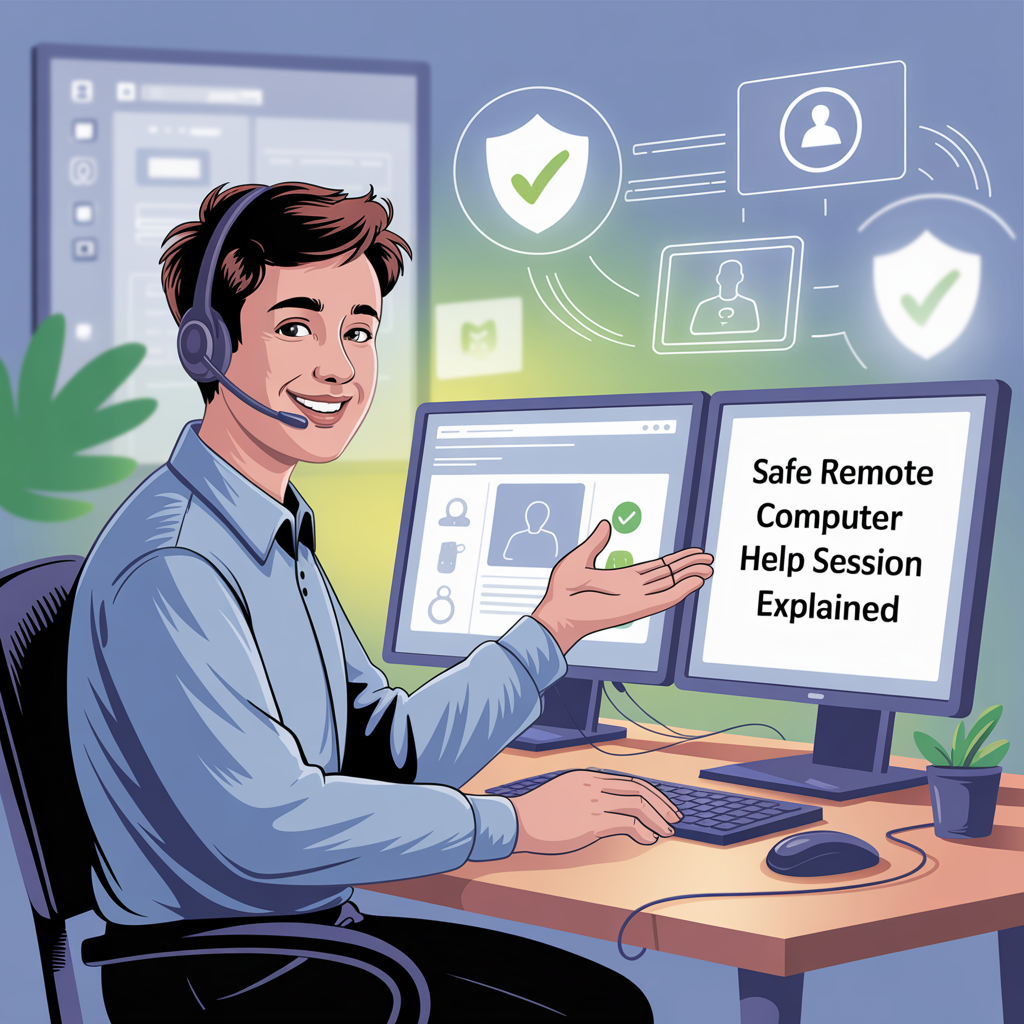
Yes — when done properly.
Safe remote help is:
Transparent
Permission-based
Short-term
Pressure-free
Fully under your control
Unsafe remote help relies on fear, urgency, and confusion.
Once you know the difference, it’s easy to spot.
By now, you should have a clear answer to the question is remote computer help safe when it’s done the right way.
Final Thoughts
If you’ve been nervous about getting help online, you’re not alone — and you’re not wrong to be cautious.
But when remote computer help is done honestly, it’s one of the safest and most convenient ways to get help in 2026.
No scare tactics.
No pressure.
No surprises.
Just help.
The Federal Trade Commission has warned extensively about common tech support scams that use fear and urgency to trick people into granting access.
Even Microsoft’s official guidance makes it clear that the company never contacts users directly about computer problems.
Organizations like the AARP Fraud Watch Network regularly warn seniors about fake tech support tactics designed to create panic.
💡 DIY Computer Fixes?
Grab my easy step-by-step guide and keep your computer running like new.