

Patient, One-on-One Computer Help for Seniors
Finding the best tech support for seniors is about more than fixing a computer problem. Good senior-friendly support should be patient, easy to understand, and provided at a comfortable pace. With That Tech Jeff, you work directly with me for one-on-one help with Windows PCs, Macs, email, printers, internet problems, new computer setup, and other everyday technology issues.
Why Experience Matters When Choosing Tech Support for Seniors
When choosing computer help, experience can make a big difference. I’ve been providing online computer help since 2007, working directly with customers across the United States.
For seniors, good tech support should also include patience and clear communication. I explain what I’m doing in plain English, answer questions along the way, and give you time to understand what’s happening without making you feel rushed.
It’s also smart to check a computer-help provider’s reviews, pricing, and experience before allowing anyone to remotely access your computer. That Tech Jeff has received more than 1,500 five-star reviews, and you always know the price before we begin.
Some computer problems can be solved with a little patience and the right instructions. But when you’d rather have someone handle the problem for you, I provide patient, one-on-one remote computer help and explain what I’m doing along the way. Seniors pay a flat $59.99 per job, and if I can’t fix the problem, you don’t pay. No Fix • No Charge.
Until next time,
Jeff
“That Tech Jeff”
Jeff Bosset
www.thattechjeff.com
805 364 5284 (Landline)
805 697-6602 (Mobile)
$69.99 flat rate online tech help and tutoring
Online Computer Help for Seniors from the Comfort of Home
Many computer problems can be fixed without taking the computer to a store or waiting for an in-home appointment. With remote computer help, I can connect to your Windows PC or Mac with your permission, see what’s happening, and work on the problem while you remain in control. I can help with email, printers, slow computers, pop-ups, updates, file transfers, new computer setup, and many other everyday technology problems.
The Digital Generation Gap
As technology advances at an unprecedented pace, younger generations seem to effortlessly navigate the digital landscape. Growing up with computers, smartphones, and the internet as integral parts of their lives, they have developed an intuitive understanding of these tools. For seniors, however, this transition can be daunting, leading to a sense of disconnect from the modern world.
The digital generation gap is characterized by several challenges faced by older individuals:
- Email and Account Problems: Trouble signing in, sending or receiving email, resetting passwords, or managing online accounts.
- Printer Problems: Printers that show offline, stop printing, won’t connect to Wi-Fi, or need to be set up with a new computer.
- Slow or Confusing Computers: Computers that have become slow, display unexpected messages, or behave differently after an update.
- Scams and Suspicious Pop-Ups: Fake virus warnings, alarming browser messages, and other situations where you’re not sure whether something on the screen is legitimate.
- New Computer Setup: Moving files, email, bookmarks, printers, and familiar settings from an old computer to a new one.
- Everyday Questions: Help understanding Windows, Mac, cloud storage, backups, browsers, files, photos, and other everyday technology.
What Can Be Fixed with Remote Computer Help?
Many common computer problems can be diagnosed and fixed remotely. Once you give me permission to connect, I can see what’s happening on the screen, check settings, troubleshoot the problem, and make the necessary changes while you remain in control of the computer. Remote help works especially well for software, email, printer, browser, Windows, Mac, and setup problems.
- Windows and Mac Problems: Slow performance, settings problems, software issues, updates, error messages, and other everyday computer problems.
- Email Problems: Trouble sending or receiving messages, account setup, password issues, Outlook problems, and email that isn’t syncing correctly.
- Printer Setup and Troubleshooting: Printers that won’t print, show offline, lose their connection, or need to be connected to a new computer.
- Browser and Pop-Up Problems: Unwanted pop-ups, changed browser settings, suspicious warnings, homepage problems, and other browser issues.
- Files, Backups, and Cloud Storage: Help finding files, transferring data, setting up backups, and understanding services such as OneDrive, Google Drive, and Dropbox.
- New Computer Setup: Moving files and familiar settings to a new computer and setting up email, printers, browsers, and other essentials.

Senior-friendly tech support should feel calm, patient, and pressure-free.
Benefits of Getting Computer Help from Home
Remote computer help can make getting a problem fixed simpler and more convenient, especially when there’s no need to disconnect the computer, take it to a store, and bring it home again. You can get one-on-one help from home while remaining at your computer and seeing what’s being done.
Why Seniors Prefer This Type of Tech Support
Many seniors aren’t looking for the fastest fix — they want someone who listens, explains, and doesn’t make them feel behind the times.
The best tech support for seniors should focus on patience, clarity, and straightforward help without unnecessary upselling or rushing through the solution. With remote, flat-rate support, you can get help from home and know the price before the work begins.
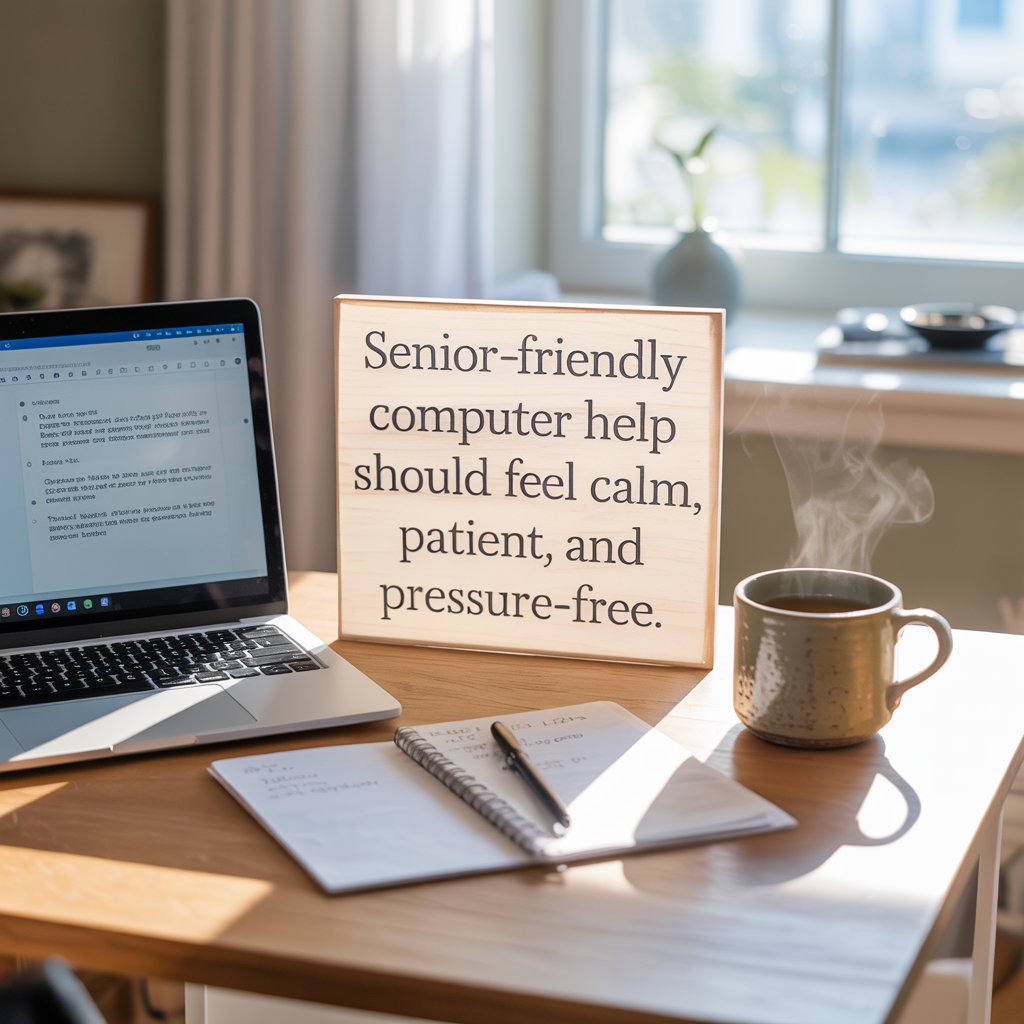
Senior-friendly tech support should feel calm, patient, and pressure-free.
How to Get Computer Help from That Tech Jeff
Getting help is simple. You don’t need to know exactly what’s wrong with your computer before contacting me. Just tell me what’s happening, and we’ll start from there.
- Tell Me What’s Wrong: Contact me or schedule online and describe the computer problem you’re having.
- Connect Remotely: With your permission, I’ll help you connect your Windows PC or Mac so I can diagnose the problem.
- I’ll Work on the Problem: I’ll troubleshoot the issue while you remain in control of your computer, explaining what I’m doing in plain English.
- Senior Flat Rate: The senior rate is $59.99 per job, with no hourly charges, memberships, contracts, or recurring fees.
- No Fix • No Charge: If I can’t fix the problem, you don’t pay. Once the problem is fixed, I’ll send you an invoice for the $59.99 senior rate.
Quick Tip for Seniors
If tech support ever makes you feel rushed, confused, or pressured to buy something extra, that’s a red flag.
Good tech support should explain things in plain English, move at your pace, and focus on the problem you asked to have fixed.
The Bottom Line
Finding the best tech support for seniors comes down to getting help that is patient, straightforward, and easy to understand. With That Tech Jeff, you work directly with me for one-on-one remote computer help from the comfort of home.
The senior rate is a flat $59.99 per job, with no memberships, contracts, or recurring fees. If I can’t fix the problem, you don’t pay. No Fix • No Charge.
Whether you need help with a Windows PC, Mac, email, printer, slow computer, pop-ups, file transfers, or a new computer setup, you can contact me without needing to know exactly what’s wrong first.
💡 DIY Computer Fixes?
Grab my easy step-by-step guide and keep your computer running like new.