

Best Printers for Seniors: A Computer Technician’s Buying Guide
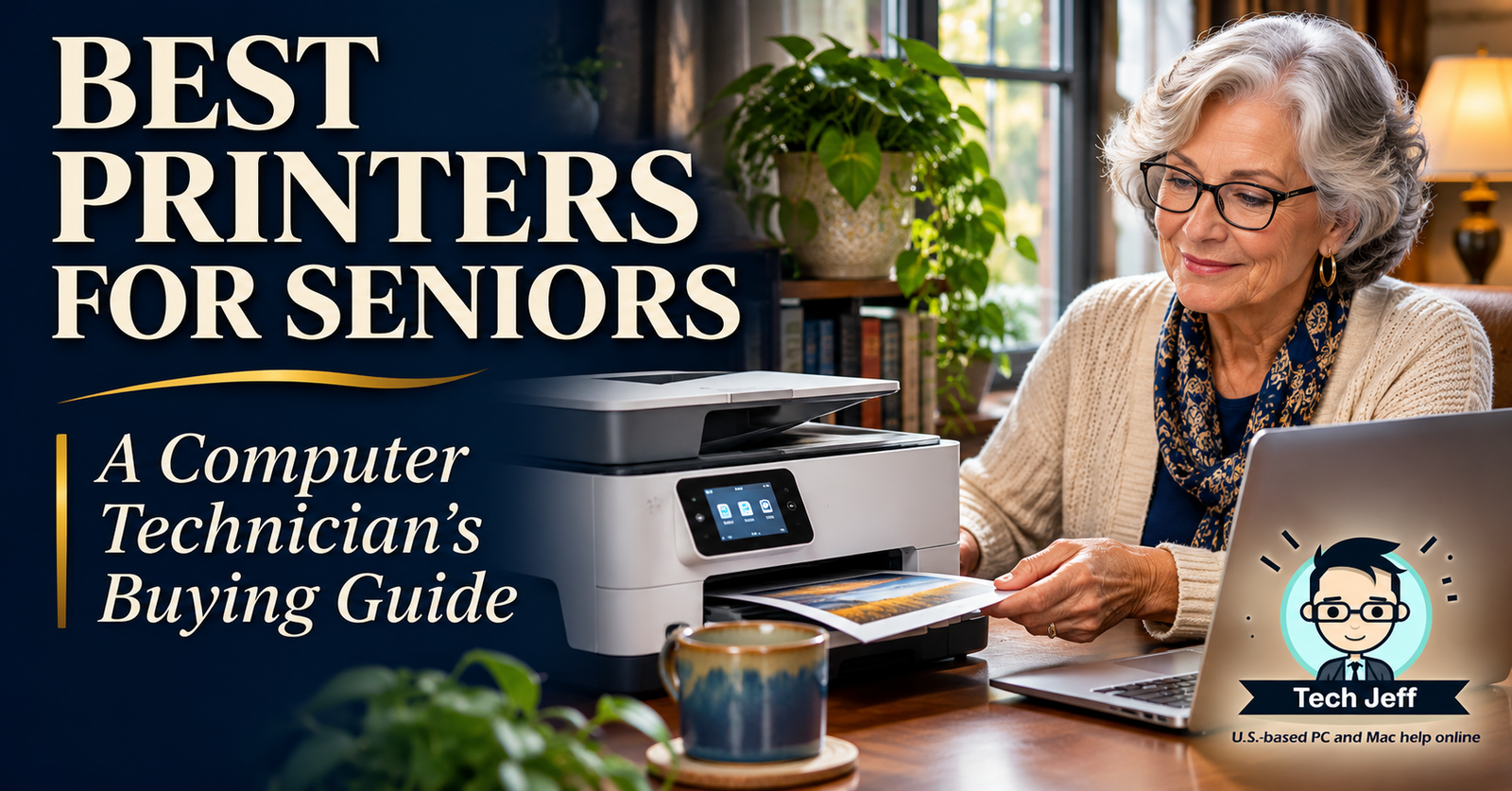
Finding the Best Printers for Seniors Shouldn’t Be Complicated
Choosing the best printer for seniors shouldn’t require hours of research or an understanding of complicated technology. You need a printer that’s reliable, easy to operate, affordable to maintain and compatible with your computer.
I’m That Tech Jeff. With 26 years of computer experience and over 1,500 five-star reviews, I’ve helped thousands of people throughout the United States with their computer problems. I’ve been providing online computer help since 2007, and printer problems are among the most common issues I encounter.
From printers that constantly go offline to confusing ink subscriptions and difficult wireless installations, I’ve seen firsthand how frustrating owning a printer can become.
This buying guide will help you choose a printer based on practical needs rather than complicated specifications or manufacturer advertising.
As an Amazon Associate, I earn from qualifying purchases.
Best Printers for Seniors at a Glance
| Printer Type | Best For | Shopping Links |
|---|---|---|
| All-in-One Inkjet | Everyday home use | Browse Amazon |
| Black-and-White Laser | Documents and occasional printing | Browse Amazon |
| Color Laser | Color documents without liquid ink | Browse Amazon |
| Refillable Ink Tank | Frequent printing and lower ink costs | Browse Amazon |
| Budget Printer | Lower initial purchase price | Browse Amazon |
| Photo Printer | Family photographs | Browse Amazon |
| All-in-One with Document Feeder | Scanning multiple documents | Browse Amazon |
These shopping links display current Amazon search results rather than potentially discontinued models or outdated prices. Always verify the individual printer’s features, compatibility, ink or toner costs, warranty and return policy before purchasing.
1. Best Everyday Printers for Seniors
For most households that regularly print in color, an all-in-one inkjet printer is a practical choice. These printers typically combine printing, scanning and copying into one convenient machine.
They are suitable for printing recipes, emails, medical documents, travel reservations, photographs and everyday paperwork.
Features I recommend
- Printing, scanning and copying capabilities
- Wireless and USB connectivity
- A readable control panel
- Easy-to-replace ink cartridges
- Automatic double-sided printing
- Compatibility with your current Windows or Mac computer
- Clearly documented installation instructions
Established printer manufacturers include Brother, Canon, Epson and HP. However, the features and operating costs of the individual printer are more important than the brand name alone.
Browse Everyday Printers on Amazon
2. Best Printers for Seniors Who Print Occasionally
If you only print a few documents each month, I strongly recommend considering a black-and-white laser printer.
Unlike inkjet printers, laser printers use dry toner instead of liquid ink. This means you don’t have to worry about liquid ink drying inside the printhead when the printer sits unused for extended periods.
This makes monochrome laser printers particularly attractive for seniors who primarily print medical paperwork, financial statements, emails and other documents.
Advantages of black-and-white laser printers
- No liquid ink to dry out
- Generally fast document printing
- Sharp, readable text
- Often economical for document printing
- Well suited to infrequent use
The main disadvantage is that monochrome laser printers cannot print in color. If you regularly print photographs or color documents, another printer type may be more appropriate.
If you also need to scan and copy documents, look specifically for a multifunction laser printer.
Browse Black-and-White Laser Printers
3. Best Color Laser Printers for Seniors
A color laser printer may be a good investment if you want color printing without dealing with liquid ink cartridges or clogged inkjet printheads.
Color laser printers are particularly useful for printing newsletters, charts, presentations and colorful documents.
They generally cost more to purchase than basic inkjet printers, and replacing a complete set of toner cartridges can be expensive. Check the replacement toner prices before buying.
Although color laser printers can print photographs, a dedicated photo inkjet printer is generally a better choice for high-quality photographic prints.
Browse Color Laser Printers on Amazon
4. Best Printers for Seniors Who Want to Save Money on Ink
If you print frequently, a refillable ink tank printer may save you a considerable amount of money over the life of the printer.
Instead of replacing small ink cartridges, these printers use larger reservoirs that are refilled with bottles of ink.
Popular product families include Epson EcoTank, Canon MegaTank, HP Smart Tank and Brother INKvestment Tank. Brother’s INKvestment Tank system generally uses high-capacity cartridges rather than refillable bottles, so check the individual model.
Advantages of refillable ink tank printers
- Typically lower ink costs per page
- Less frequent ink replacement
- Suitable for frequent color printing
- Available with scanning and copying capabilities
Ink tank printers generally cost more upfront than basic cartridge printers. They also use liquid ink, so occasional printing and proper maintenance remain important.
If you rarely print anything, a laser printer may still be the better investment.
Browse Refillable Ink Tank Printers
5. Best Affordable Printers for Seniors
Many inexpensive printers look like excellent bargains until you discover how much replacement ink costs.
Printer manufacturers sometimes sell inexpensive printers that use relatively expensive ink cartridges. Over time, the ink may cost substantially more than the printer itself.
Before purchasing an affordable printer, check the following:
- The price of replacement black and color ink
- The estimated number of pages each cartridge prints
- Whether high-capacity cartridges are available
- Whether a subscription is required or optional
- Whether an account or internet connection is required for certain features
- Whether the printer supports your computer’s operating system
Don’t automatically purchase the cheapest printer available. Spending a little more initially may save money and frustration later.
Browse Affordable Printers on Amazon
6. Best Photo Printers for Seniors
If you enjoy printing photographs of your children, grandchildren, vacations or special occasions, consider a printer designed specifically for photographic printing.
Photo-oriented inkjet printers often provide better photographic results than standard document printers.
Features worth considering
- Borderless photo printing
- Support for common photo paper sizes
- Good color accuracy
- Individual ink colors where available
- Easy printing from smartphones and computers
Remember to include the cost of photo paper and replacement ink when comparing printers.
If you only print photographs occasionally, using a professional photo printing service may be more economical than purchasing a dedicated photo printer.
Browse Photo Printers on Amazon
7. Best Printers for Seniors Who Scan Documents
If you frequently scan medical records, insurance paperwork, tax documents or other multipage documents, look for an all-in-one printer with an automatic document feeder, commonly called an ADF.
An automatic document feeder allows you to scan several pages without manually placing each page on the scanner glass.
For double-sided documents, look specifically for automatic duplex scanning.
Important: Automatic double-sided printing and automatic double-sided scanning are two different features. A printer that automatically prints on both sides of the paper does not necessarily scan both sides automatically.
Recommended features
- Automatic document feeder
- Automatic duplex scanning if needed
- Automatic double-sided printing
- Scanning directly to PDF files
- A flatbed scanner for photographs and delicate documents
- Easy-to-use scanning software
Browse Printers with Document Feeders
Buying a New Printer? I Can Help You Set It Up.
Getting a new printer should make your life easier, not create another computer problem.
I provide friendly, patient remote printer assistance throughout the United States.
- Install your new printer
- Connect your printer to your computer
- Configure wireless printing
- Set up scanning software
- Resolve printer offline problems
- Remove conflicting printer drivers
- Troubleshoot printing and connection errors
Professional Printer Help: $39.99
No Fix • No Charge
Over 1,500 five-star reviews. No subscriptions or hourly billing.
Inkjet vs. Laser Printers: Which Is Better for Seniors?
One of the most important decisions when purchasing a printer is choosing between inkjet and laser technology.
| Feature | Inkjet | Laser |
|---|---|---|
| Initial cost | Often lower | Often higher |
| Occasional printing | Ink may dry out | Generally excellent |
| Photographs | Generally better | Less suitable |
| Text documents | Good | Excellent |
| Operating costs | Varies by ink system | Varies by toner and model |
My general recommendation is to consider a monochrome laser printer if you primarily print black-and-white documents and don’t print very often. Consider an inkjet or ink tank printer if color photographs and frequent color printing are important to you.
Wireless or USB Printers: Which Is Easier?
Wireless printers are convenient because they allow multiple computers, tablets and smartphones to share the same printer.
However, wireless connectivity is also one of the most common sources of printer problems I encounter.
Printers can lose their wireless connection after a router replacement, Wi-Fi password change, network interruption or software problem.
If you only use one desktop computer and your printer sits nearby, a direct USB connection may be a simpler and more reliable option.
For this reason, I recommend checking whether a printer supports both wireless and USB connections before purchasing it. Some printers also offer Ethernet connectivity, which can provide a stable network connection when practical.
Why Do Printers Keep Going Offline?
A printer showing as offline doesn’t necessarily mean the printer is broken.
Common causes include:
- Lost wireless network connections
- Changes to the printer’s network address
- Incorrect or outdated printer drivers
- Stuck print jobs
- Windows printer configuration problems
- Multiple copies of the same printer installed on the computer
- Printer sleep or network communication problems
Before replacing a printer that frequently goes offline, consider having the problem professionally diagnosed. Many printer connection problems can be resolved without purchasing a new printer.
Learn more about my remote printer repair and setup service.
Should Seniors Avoid Printer Ink Subscriptions?
Some printer manufacturers offer monthly ink or toner subscription services. These programs may be convenient and economical for certain households, particularly those with predictable printing habits.
However, not everyone needs a subscription.
Before enrolling, make sure you understand:
- The monthly subscription cost
- How many pages are included
- Charges for exceeding your page allowance
- What happens when you cancel
- Whether subscription cartridges stop working after cancellation
- Whether an internet connection is required
Also check whether the specific printer model restricts the use of third-party cartridges or requires an online account for certain features.
If you prefer to purchase ink only when you need it, choose a printer that supports conventional ink or toner purchases without a mandatory subscription.
What Seniors Should Look for When Buying a Printer
Easy-to-Read Controls
Look for a readable display, clearly labeled buttons and straightforward menus. A complicated touchscreen is not necessarily easier to use than traditional buttons.
Accessible Paper Trays
Consider how easily you can load paper, remove paper jams and replace ink or toner. A printer with inconvenient access panels may become frustrating to maintain.
Reasonable Ink or Toner Costs
Check replacement cartridge prices before buying the printer. Compare estimated page yields as well as purchase prices.
Computer Compatibility
Make sure the printer supports your current version of Windows or macOS. If scanning is important, verify that the manufacturer provides compatible scanning software or that the printer supports your operating system’s scanning features.
Automatic Double-Sided Printing
Automatic duplex printing saves paper and eliminates the inconvenience of manually turning pages over.
Simple Installation
Look for printers with clearly documented setup procedures and manufacturer support. Avoid assuming that a printer advertised as wireless will automatically be easy to install.
Which Printers Should Seniors Avoid?
When shopping for a printer, be cautious of the following:
- Extremely inexpensive printers with expensive replacement ink
- Printers that require subscriptions you do not want
- Discontinued models without current driver support
- Printers with difficult-to-read controls
- Models that lack the connection options you need
- Printers with poor availability of replacement cartridges
- Printers that advertise duplex printing when you actually need duplex scanning
- Unfamiliar brands with limited technical support
The best printer is not necessarily the one with the most features. It is the one that meets your needs without creating unnecessary expense or frustration.
Which Printer Brand Is Best for Seniors?
Brother, Canon, Epson and HP all manufacture printers that may be suitable for seniors. Each manufacturer offers different product families with different features, operating costs and setup requirements.
Brother: Worth considering for black-and-white laser printers and multifunction document printers.
Canon: Offers a wide selection of home inkjet, photo, laser and refillable ink tank printers.
Epson: Particularly worth considering for refillable ink tank printers and photographic printing.
HP: Offers a broad selection of home and office inkjet and laser printers. Carefully review account requirements, cartridge compatibility and subscription options for the specific model.
I recommend comparing individual models rather than assuming that every printer from a particular manufacturer will provide the same experience.
Frequently Asked Questions About Printers for Seniors
What is the easiest printer for a senior to use?
A printer with straightforward controls, accessible paper trays, compatible software and a reliable connection is generally the easiest to use. For basic black-and-white documents, a monochrome laser printer is often an excellent choice.
What is the best printer for someone who rarely prints?
A laser printer is generally a good choice for occasional printing because it uses dry toner rather than liquid ink that may dry out or clog printheads.
Are ink tank printers worth the money?
They can be an excellent investment for people who print frequently. However, someone who rarely prints may be better served by a laser printer.
Can I use a printer without Wi-Fi?
Yes. Many printers support a direct USB connection to your computer. Check the individual printer’s specifications before purchasing because not every printer includes this option.
Do I need an ink subscription to use my printer?
Many printers can operate without an ink subscription. However, requirements vary by model and purchase program. Always verify the terms before purchasing.
Can I scan documents without purchasing a separate scanner?
Yes. An all-in-one printer with a built-in scanner allows you to scan documents and photographs. Models with automatic document feeders can make scanning multiple pages considerably easier.
Does double-sided printing mean double-sided scanning?
No. These are separate features. If you need to automatically scan both sides of a document, look specifically for automatic duplex scanning.
Should I replace my printer if it keeps going offline?
Not necessarily. Printer offline problems are frequently caused by software, network or configuration issues rather than hardware failure. Professional troubleshooting may save you the cost of a replacement printer.
Can someone install my new printer remotely?
Yes. Many printer installation and configuration problems can be resolved remotely. That Tech Jeff provides nationwide remote printer assistance, although you may need to perform simple physical steps such as connecting cables or loading paper.
Buying a New Computer Too?
If you’re also considering replacing your computer, read my Best Laptops for Seniors: A Computer Technician’s Buying Guide. It explains what to look for when purchasing a reliable, easy-to-use laptop without spending more than necessary.
Friendly, Patient Printer and Computer Help for Seniors
Technology should make your life easier, not more frustrating.
Whether you’re purchasing a new printer, struggling to connect your existing printer or experiencing other computer problems, I’m here to help.
I specialize in providing friendly, patient remote computer help for seniors throughout the United States.
No confusing technical talk. No subscriptions. No hourly billing.
No Fix • No Charge.
Article written by That Tech Jeff, providing remote computer help nationwide since 2007.
💡 DIY Computer Fixes?
Grab my easy step-by-step guide and keep your computer running like new.