

💡 DIY Computer Fixes?
Grab my easy step-by-step guide and keep your computer running like new.
Is Remote Computer Repair Safe? Everything You Need to Know
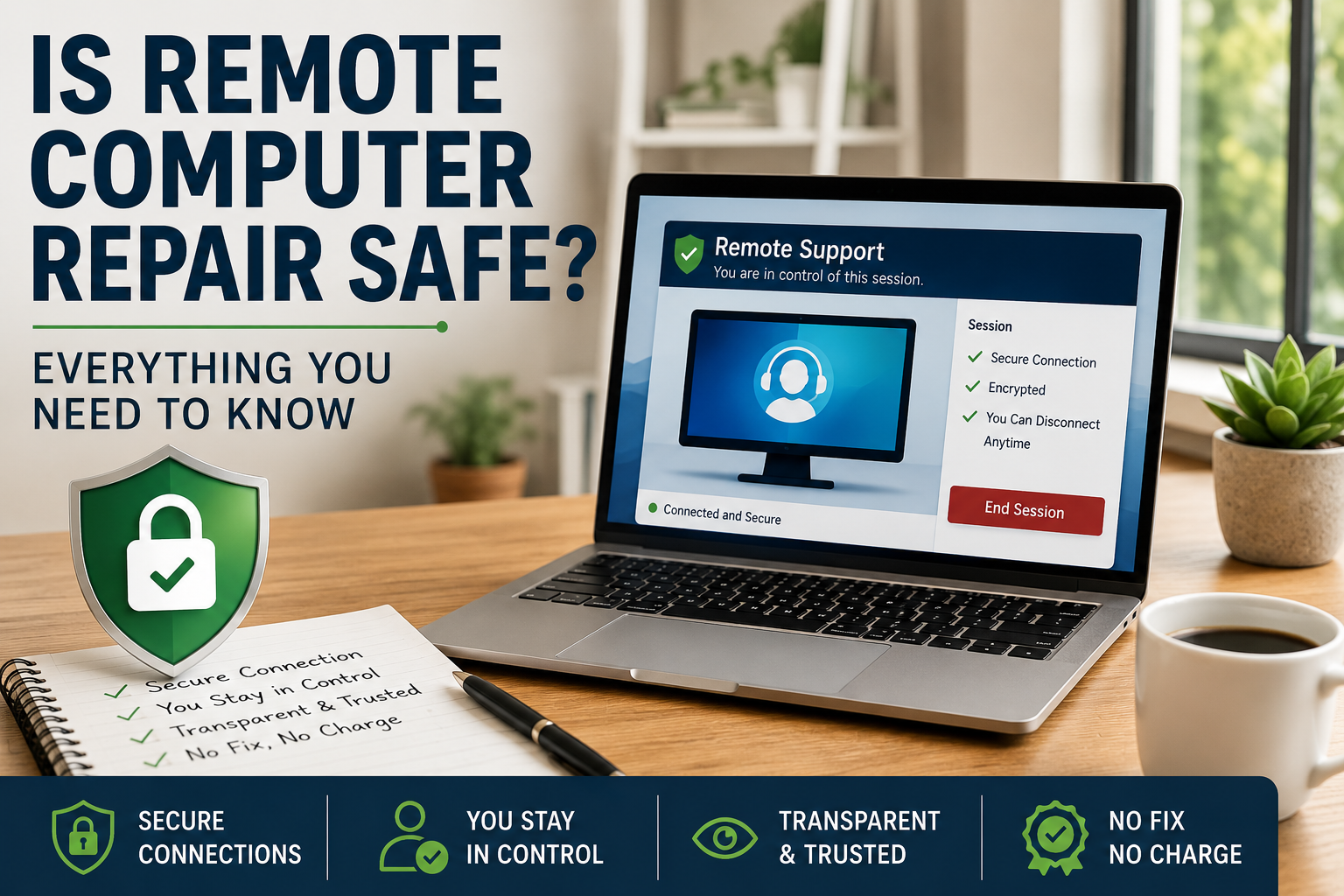
Hiring someone to work on your computer over the internet can sound a little intimidating the first time.
Many people wonder:
- Can they see everything on my computer?
- Can they steal my files?
- Is remote computer repair a scam?
- How do I know I can trust the technician?
They’re good questions.
The truth is that remote computer repair is very safe when you choose a reputable technician and follow a few common-sense precautions. In fact, businesses, hospitals, schools, and government agencies use secure remote support every day.
Here’s how it works and what you should know before allowing anyone to connect to your computer.
How Remote Computer Repair Works
Remote support allows a technician to temporarily connect to your computer through an encrypted connection.
Once connected, they can troubleshoot problems just as if they were sitting in front of your computer.
Common repairs include:
- Virus and malware removal
- Printer problems
- Email setup
- Windows troubleshooting
- Mac troubleshooting
- Slow computer performance
- Software installation
- File transfers
- New computer setup
Because everything happens over the internet, most problems can be fixed without waiting days for an appointment or taking your computer to a repair shop.
Is the Connection Secure?
Yes.
Professional remote support software uses strong encryption to protect the connection between your computer and the technician.
This means the information traveling between both computers cannot easily be intercepted by someone else.
It’s the same basic security principle used by online banking, shopping, and many business applications.
Can the Technician See Everything?
Only while you allow them to.
During a remote support session, the technician can generally see what is displayed on your screen.
If you close the session, the connection ends immediately.
Most reputable technicians encourage you to stay at your computer and watch the repair as it happens.
Can They Access My Computer Later?
Not unless you’ve specifically agreed to unattended access.
For most home computer repairs, the connection only exists while you approve it.
Once the session ends, the technician no longer has access.
What About My Passwords?
A trustworthy technician should never ask for passwords they don’t need.
Sometimes a Windows administrator password or email password is necessary to complete a repair.
When that happens:
- Only provide it if you’re comfortable.
- Watch while it’s being entered.
- Change the password afterward if you’d like additional peace of mind.
Many customers choose to type passwords themselves while the technician looks away or temporarily disconnects from the screen.
How to Tell If Remote Computer Repair Is Legitimate
Before allowing anyone to connect, check for signs that you’re dealing with a real business.
Look for:
- A professional website
- Verified customer reviews
- A real business name
- Clear pricing
- Contact information
- Written guarantees
- Years in business
- No high-pressure sales tactics
If someone contacts you unexpectedly claiming your computer is infected, hang up immediately.
Legitimate computer repair companies do not randomly call people claiming their computer has viruses.
Red Flags to Watch Out For
Avoid any technician who:
- Claims Microsoft sent them
- Says your computer is infected before they’ve examined it
- Demploys scare tactics to pressure you
- Refuses to explain what they’re doing
- Demands immediate payment
- Tries to sell expensive yearly memberships you didn’t ask for
- Won’t answer basic questions
These are common signs of tech support scams.
What I Do to Protect My Customers
When I provide remote computer support, my goal is to make every customer feel comfortable and informed.
That includes:
- Secure encrypted remote connections
- No surprise charges
- Flat-rate pricing
- No memberships
- No contracts
- You can watch the repair the entire time
- You can disconnect the session whenever you choose
- No Fix, No Charge guarantee
- More than 1,500 five-star customer reviews
Most repairs are completed the same day without you ever leaving home.
Tips Before Any Remote Support Session
Before connecting with any technician:
- Close documents containing sensitive financial information if you prefer.
- Save your work.
- Back up important files whenever possible.
- Ask questions before the session begins.
- Stay at the computer during the repair.
- Don’t hesitate to end the session if something doesn’t seem right.
A reputable technician will welcome your questions.
Frequently Asked Questions
Can someone steal my files during remote support?
A dishonest person could misuse any access they’re given, which is why choosing a reputable technician matters. Reputable remote support providers explain what they’re doing, maintain transparency throughout the session, and have a strong history of positive customer reviews.
Is remote computer repair safer than taking my computer to a shop?
In many cases, yes. Your computer never leaves your home, reducing the risk of loss, theft, or damage during transport. You also have the opportunity to watch the repair as it happens.
Can I watch while my computer is being repaired?
Yes. Most remote repairs allow you to observe everything happening on your screen and ask questions during the session.
Do I have to install software?
Usually, you’ll download a small remote support program that runs only for the session. Unless you’ve specifically requested ongoing unattended support, it typically doesn’t remain active after the repair is complete.
Is remote repair good for seniors?
Absolutely. Many seniors prefer remote support because they don’t have to disconnect their computer or drive to a repair shop. The technician can guide them through each step while they remain comfortably at home.
Final Thoughts
Remote computer repair has become one of the fastest, safest, and most convenient ways to solve computer problems.
The key is choosing someone you trust.
Look for an established business with transparent pricing, excellent reviews, and a clear explanation of how the repair process works. When you do, remote support can save you time, money, and the hassle of taking your computer to a repair shop.
If you’re looking for friendly, professional remote computer help, That Tech Jeff has been helping customers across the United States si
Related
Cybersecurity and Infrastructure Security Agency guidance on avoiding tech support scams.
Federal Trade Commission information about tech support fraud.