

Windows 10 Support Ends Soon: What Seniors Need To Know
If you’re still using Windows 10, you’ve probably seen messages warning that support is ending soon. Windows 10 support ends on October 14, 2026, and many seniors are wondering what that means for their computers.
The answer is: not necessarily.
Let’s look at what Windows 10’s end of support really means and what your options are.
When Does Windows 10 Support End?
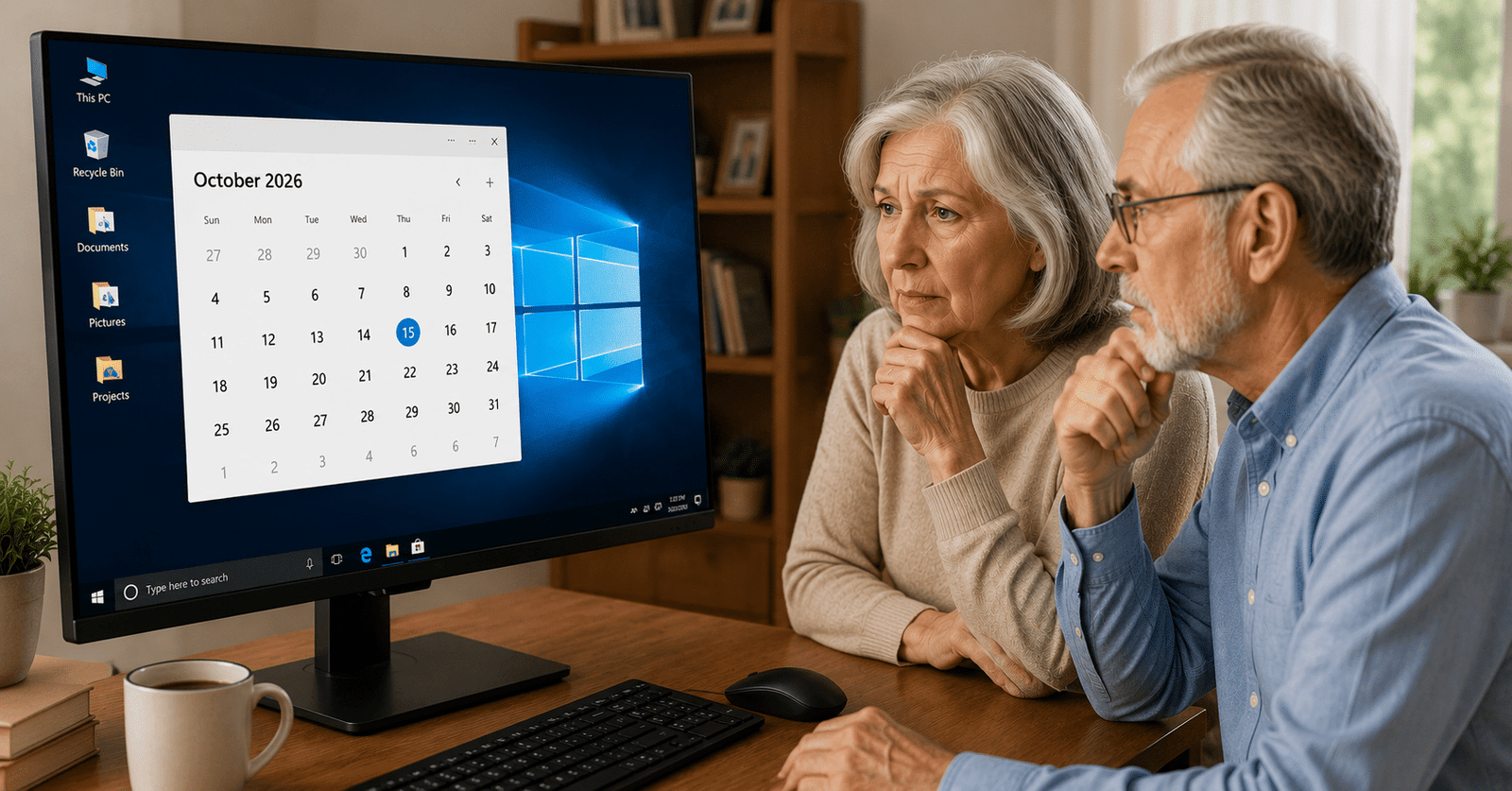
Microsoft plans to end free support and security updates for Windows 10 on October 14, 2026.
After that date, Windows 10 computers will continue to work. Your files, programs, email, and internet access won’t suddenly stop.
However, Microsoft will no longer provide regular security updates for most users.
While Windows 10 support ends in October 2026, your computer will not suddenly stop working the next day.
Does This Mean I Need A New Computer?
Not always.
Many Windows 10 computers can be upgraded to Windows 11 at no cost. If your computer meets Microsoft’s requirements, the upgrade is usually straightforward.
Other computers cannot be upgraded because they lack certain hardware features that Microsoft now requires.
Before buying a new computer, it’s worth finding out whether your current one can be upgraded.
Just because Windows 10 support ends does not automatically mean you need to buy a new computer.
How Do I Know If My Computer Can Run Windows 11?
Many people assume that a computer running Windows 10 can automatically run Windows 11. Unfortunately, that’s not always the case.
Microsoft increased the hardware requirements for Windows 11. Some older computers lack features such as TPM 2.0 or a supported processor, which can prevent the upgrade.
The easiest way to find out is to use Microsoft’s PC Health Check tool or have a computer professional check for you.
If your computer is eligible, upgrading to Windows 11 is usually free.
If it isn’t eligible, that doesn’t automatically mean the computer is unusable. Many Windows 10 computers still perform everyday tasks such as email, web browsing, online banking, video calls, and photo viewing quite well.
Before spending money on a replacement, it’s worth finding out exactly what your computer can and cannot do. You may discover that a simple upgrade, cleanup, or security update plan is enough to keep it running for several more years.
What If My Computer Can’t Run Windows 11?
You still have options.
Option 1: Keep Using Windows 10
Many people will continue using Windows 10 after support ends. The computer will still function, but security risks may gradually increase over time.
This may be acceptable for some users, especially if they use their computer primarily for email, web browsing, and light tasks.
Option 2: Purchase Extended Security Updates
Microsoft is offering an Extended Security Updates (ESU) program that provides additional security updates beyond the official support deadline.
For many home users, this can provide extra time before needing to replace a computer.
Option 3: Replace Your Computer
If your current computer is older, slow, or frequently experiencing problems, replacing it may be the best long-term solution.
A new computer can offer better performance, improved security, and compatibility with future software updates.
Many people are surprised to learn they still have options after Windows 10 support ends.
Don’t Assume Your Computer Needs To Be Replaced
One of the biggest mistakes people make is assuming they need a new computer simply because Windows 10 support is ending.
I’ve helped many customers discover that their existing computer could be upgraded to Windows 11 with little or no cost.
Others learned that a simple cleanup or repair gave their current computer several more years of useful life.
Be Careful Of Scare Tactics
As Windows 10 reaches its end of support, you’ll likely see advertisements suggesting that every Windows 10 computer must be replaced immediately.
That’s simply not true.
Every situation is different.
The best approach is to have someone evaluate your computer before spending hundreds or even thousands of dollars on a replacement.
Need Help Deciding?
If you’re not sure whether your computer can be upgraded to Windows 11, or whether it’s time for a replacement, I can help.
I provide remote computer support nationwide and can quickly determine your options.
In many cases, the answer is much less expensive than people expect.
Before you buy a new computer, get a second opinion.
You might be surprised by what your current computer can still do.
That Tech Jeff
Remote Computer Help Since 2007
No Memberships • No Contracts • No Fix, No Charge
Before spending money on a replacement, find out what your options are when Windows 10 support ends. In many cases, the solution is simpler and less expensive than you might expect.
Helpful Resources
If you’d like to learn more about Microsoft’s plans for Windows 10, these official resources can help:
- Microsoft Windows 10 End of Support Information: https://www.microsoft.com/windows/end-of-support
- Microsoft PC Health Check Tool: https://www.microsoft.com/windows/windows-11#pchealthcheck
- Microsoft Extended Security Updates (ESU) Information: https://learn.microsoft.com/windows/whats-new/extended-security-updates
These resources can help you determine whether your computer is eligible for Windows 11 and what options are available if it is not.
Related Articles and Services
If you’re wondering whether your current computer is worth keeping, you may also find these resources helpful:
- Read my guide on why a computer may be running slowly: https://thattechjeff.com/windows-10-very-slow/
- Learn about my remote computer help services for seniors: https://thattechjeff.com/remote-computer-help-for-seniors/
- Thinking about replacing your computer? See my latest recommendations: https://thattechjeff.com/best-windows-11-desktop-computer-deals-of-2026/
- Getting a new computer? Learn about my setup service: https://thattechjeff.com/new-pc-setup/
- See what over 1,500 customers have said about my service: https://thattechjeff.com/reviews/
💡 DIY Computer Fixes?
Grab my easy step-by-step guide and keep your computer running like new.