

💡 DIY Computer Fixes?
Grab my easy step-by-step guide and keep your computer running like new.
- Safely shop online for seniors with these 10 simple, step-by-step tips that help you avoid scams, protect your personal information, and shop with confidence.
- 1. Safely Shop Online for Seniors: Start With Secure Websites 🔒
- 2. Avoid Clicking Links in Emails or Texts 📧📱
- 3. Use a Credit Card (Not a Debit Card) 💳
- 4. Create Strong, Unique Passwords 🔐
- 5. Watch Out for Deals That Are “Too Good to Be True” 🚩
- 6. Keep Your Computer, Phone, and Browser Updated 🔄
- 7. Save Receipts and Review Statements 🧾
- 8. Use Trusted, Well-Known Retailers 🏬
- 9. Never Give Remote Access or Passwords to Strangers 🚫
- 10. Ask for Help — It’s Okay 👍
- Final Thought ❤️
Safely shop online for seniors with these 10 simple, step-by-step tips that help you avoid scams, protect your personal information, and shop with confidence.
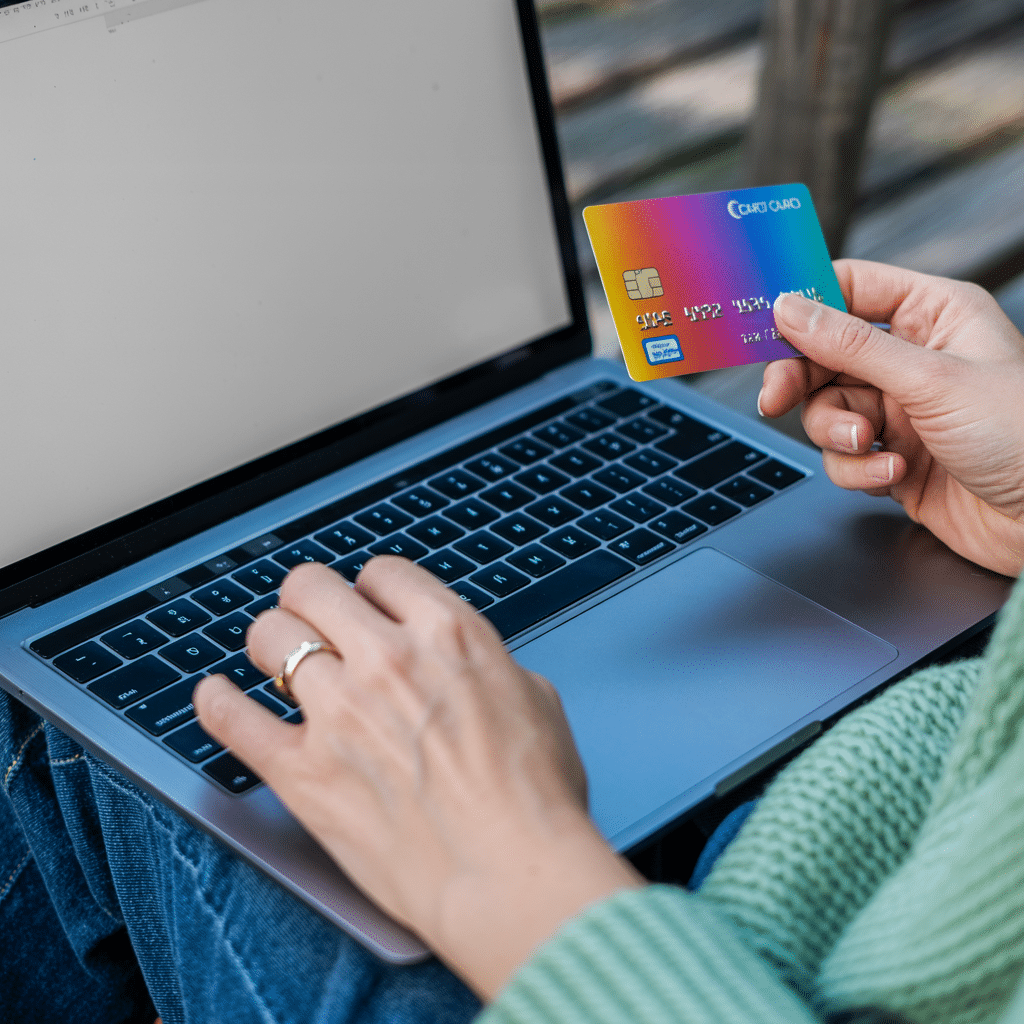
1. Safely Shop Online for Seniors: Start With Secure Websites 🔒
Before entering any personal or payment information, check the website address.
What to look for:
-
The website address should start with https://
-
A small lock icon appears near the address bar
-
The site looks professional (not sloppy or full of spelling mistakes)
❌ Avoid websites that:
-
Start with only http://
-
Pop up suddenly from ads or emails
-
Look rushed, poorly written, or confusing
Tip: If something feels “off,” trust your instincts and leave the site.
2. Avoid Clicking Links in Emails or Texts 📧📱
Many scams begin with messages that look urgent or tempting.
Common scam messages include:
-
“Your account has been locked!”
-
“Confirm your order immediately!”
-
“You’ve won a free gift!”
Safer habit:
Instead of clicking links, open your browser and type the store’s website address yourself.
Example:
Type amazon.com directly instead of clicking an email link.
3. Use a Credit Card (Not a Debit Card) 💳
This is one of the most important safety tips.
-
Credit cards usually offer fraud protection
-
Debit cards connect directly to your bank account
If something goes wrong, credit cards are much easier to dispute and recover funds.
✔️ Best choice: Credit card
❌ Avoid: Debit card, gift cards, wire transfers, cryptocurrency
These steps are designed to help you safely shop online for seniors without fear, pressure, or technical confusion.
4. Create Strong, Unique Passwords 🔐
Using the same password everywhere is risky.
Good password habits:
-
Use a different password for shopping sites and email
-
Avoid birthdays, pet names, or simple words
-
Consider using a password manager to remember them safely
If remembering passwords feels overwhelming, that’s completely normal — tools exist to make this easier.
5. Watch Out for Deals That Are “Too Good to Be True” 🚩
Scammers love unbelievable bargains.
Red flags include:
-
Huge discounts on popular items
-
Pressure like “Only 5 minutes left!”
-
Requests to pay with gift cards
If a deal feels unrealistic, it probably is.
6. Keep Your Computer, Phone, and Browser Updated 🔄
Updates aren’t just about new features — they include important security fixes.
Make sure:
-
Your computer updates automatically
-
Your phone is up to date
-
Your web browser (Chrome, Edge, Safari) is current
This quietly protects you in the background.
7. Save Receipts and Review Statements 🧾
After shopping online:
-
Save confirmation emails
-
Check your credit card statements regularly
-
Report unfamiliar charges immediately
Catching problems early makes them much easier to fix.
8. Use Trusted, Well-Known Retailers 🏬
Well-known stores invest heavily in security.
When possible:
-
Shop with retailers you already recognize
-
Avoid brand-new sites you’ve never heard of
-
Search for reviews if you’re unsure
9. Never Give Remote Access or Passwords to Strangers 🚫
No legitimate store will:
-
Ask for your password
-
Ask to remotely control your computer
-
Ask for payment in gift cards
If someone does, stop immediately.
10. Ask for Help — It’s Okay 👍
Online shopping should feel comfortable, not stressful.
If you’re ever unsure:
-
Ask a trusted family member or friend
-
Get professional computer help from someone who explains things clearly and patiently
There’s no such thing as a “silly question” when it comes to your safety. If online shopping ever feels confusing or stressful, having access to trusted computer help for seniors can make all the difference.
Final Thought ❤️
Shopping online can be safe, convenient, and enjoyable — as long as you know what to watch for. By following these steps, you greatly reduce your risk and keep control of your personal information. When you understand the basics, it becomes much easier to safely shop online for seniors while protecting your money and personal information.
Learn more about common online shopping scams from the Federal Trade Commission.
AARP offers helpful tips for seniors on shopping online safely.
